How to Search DOCX Files Offline
 Looking for a faster solution?Download HALO Free →
DOCX search tends to work better than PDF search out of the box, Word's format is more standardized and both Windows and macOS have decent native support for it. But "better than PDF" isn't the same as "reliable," and offline is where things get specific: no OneDrive sync helping out, no cloud-based search filling gaps, just what's actually indexed on the machine in front of you.
Why DOCX search sometimes fails anyway
A few things break it even when the file type is theoretically supported. Large document archives (thousands of files) can outrun how fast the OS indexer processes new content, so recently added files won't show up in search for a while. Documents converted from other formats (old .doc files saved as .docx, or DOCX exported from a scanner or another program) sometimes carry corrupted or unusual internal XML that trips up the indexer, appearing to index with zero searchable content. And if the search index was ever paused, corrupted, or rebuilt recently, there's often a lag before everything catches back up.
Option 1: Windows Search (built in)
Windows indexes DOCX content natively, no extra install needed. If results seem incomplete:
- Open Indexing Options from the Start menu search
- Click Advanced, then Rebuild
- Confirm your target folder is actually in the indexed locations list (Indexing Options → Modify)
This works entirely offline. The main limitation is speed on large archives, rebuilding an index across tens of thousands of files can take hours, and the machine will feel slower while it runs.
Option 2: Spotlight (built in, Mac)
Similarly indexes DOCX by default. If a document isn't showing up:
- Open System Settings → Siri & Spotlight → Spotlight
- Confirm the folder isn't in the excluded list
- Try
mdimport -Lin Terminal to check whether Spotlight's importer plugins are behaving normally
Also fully offline, same caveat: coverage can lag on very large document sets, and there's no manual "force rebuild everything now" button as straightforward as Windows offers.
Option 3: A dedicated content indexer
If you're dealing with a large, growing archive of documents, research papers, contracts, years of project files, a purpose-built indexer avoids the "wait for the OS to catch up" problem, since it indexes as files are added rather than on a periodic system-wide schedule.
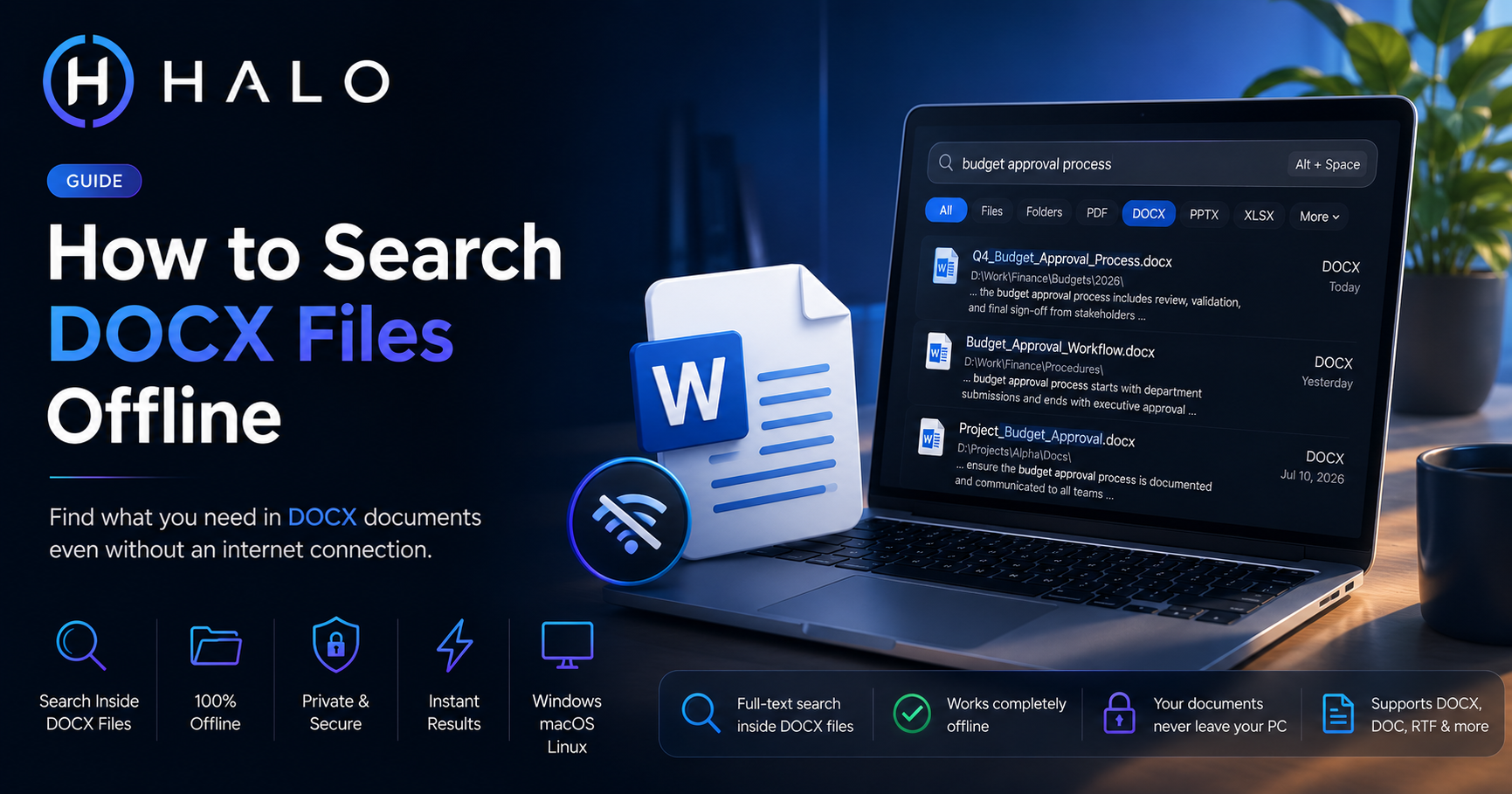
HALO indexes DOCX (along with PDF, PPTX, XLSX, and code) the moment a folder is added, running entirely locally via SQLite FTS5. New files get picked up through a file watcher rather than waiting on a scheduled rebuild, and search results show the matching snippet from inside the document so you can confirm the right file before opening it. Everything stays offline by design, not as a mode you have to enable.
Which option makes sense for you
If your DOCX collection is small and search "mostly works," built-in OS search is genuinely fine, don't add a tool you don't need. If you're managing a document archive that keeps growing and built-in search keeps missing recent additions, that's the specific pain a dedicated indexer solves, worth trying before assuming your files are somehow broken.
Ready to Search Faster?
Whether you're searching inside PDFs, Office documents, folders, or images, HALO keeps everything local, private, and instantly searchable.