Why Google Killed Desktop Search (And What It Got Right)
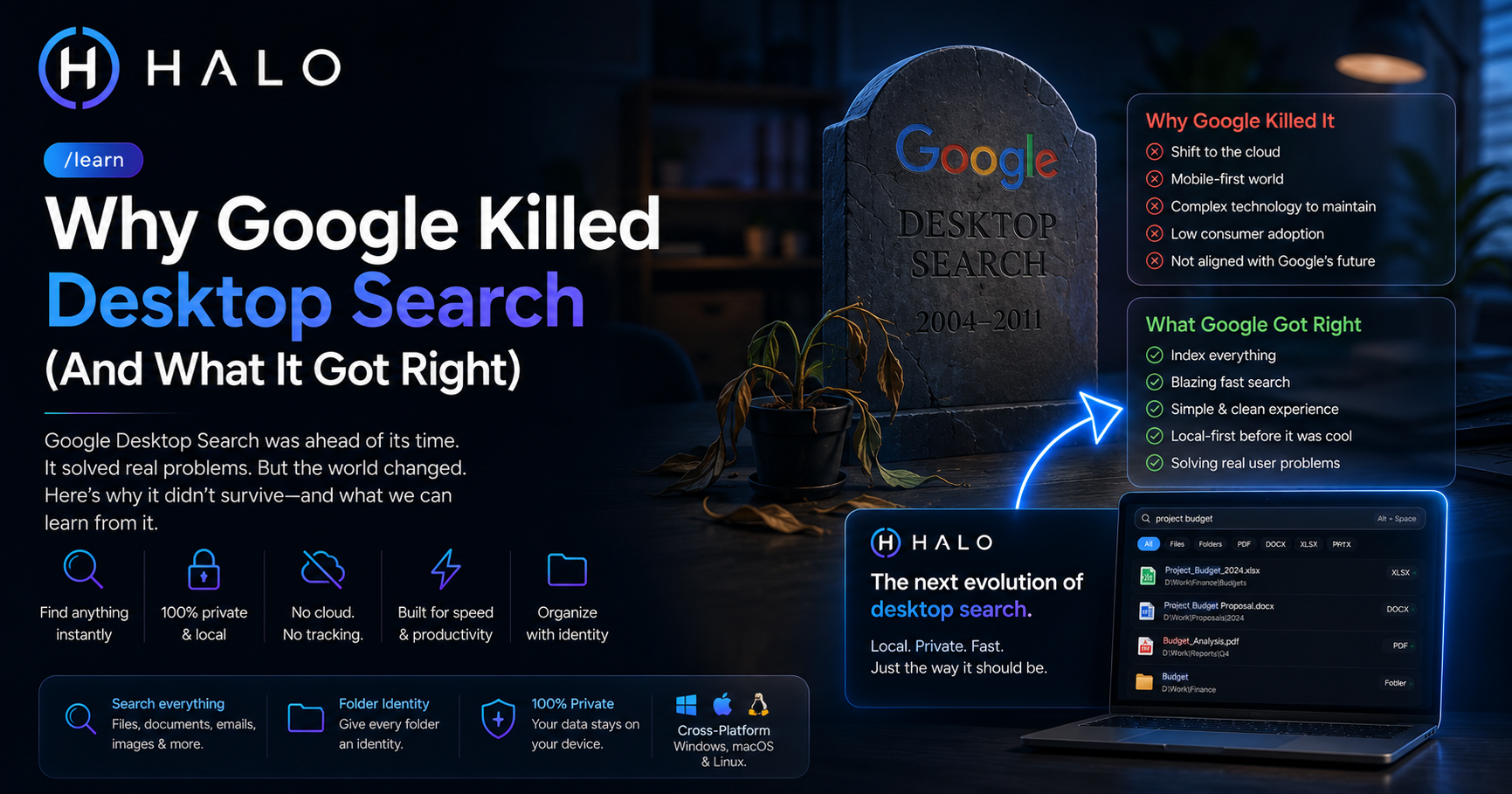 Looking for a faster solution?Download HALO Free →
Search "Google Desktop" today and you'll mostly find people asking what happened to it, forum threads from years ago, Wikipedia's terse summary, the occasional nostalgic blog post. It's been gone since 2011, longer than some people using it today have owned their current computer, and it still comes up in conversation whenever someone complains about how bad their built-in file search is. That's a strange kind of legacy for a product that's been dead for over a decade: still the reference point nobody's quite replaced.
What Google Desktop actually was
Launched in 2004, Google Desktop did something that felt obvious in hindsight but wasn't standard at the time: it applied Google's web search interface to your own computer. One search bar, and it looked across your files, your email (if you used certain clients), your browsing history, even instant message logs, all indexed locally, all searchable instantly, the same way Google search felt instant on the web.
It had a sidebar too, a panel of small widgets, weather, news, a photo slideshow, sitting on your desktop. That part aged less well and mostly gets remembered as clutter now. The search itself was the part that mattered, and it worked well enough that plenty of people kept it running for years, quietly, in the background, barely thinking about it because it just did its job.
The shutdown, and the two explanations
Google discontinued Desktop in September 2011, part of a broader cleanup that also killed several other products that year. The official reason, stated plainly in Google's own announcement at the time, was that the company wanted to focus resources on fewer, more central products as computing shifted toward the cloud and mobile.
There's a second explanation that circulates informally, one you'll hear from people who worked in and around Google during that period, less official, impossible to fully verify from the outside, but worth stating plainly since it's the more interesting story: a tool that helps you find a file already sitting on your hard drive doesn't show ads and doesn't generate search revenue. Web search monetizes every query. Desktop search, by definition, searches things Google can't sell advertising against. Whether that was the deciding factor or just one input among several, the pattern fits: the products Google keeps investing in overwhelmingly tend to be the ones that make money, and desktop search never had a path to doing that.
Both explanations can be true at once. Strategic focus and revenue incentives usually point the same direction inside a company that size.
What it actually got right
Strip away the sidebar widgets and a few things about Google Desktop's core design hold up as genuinely good ideas, worth naming specifically rather than just gesturing at nostalgia:
Unified search across content types. Files, email, chat logs, browsing history, one search bar for all of it. Most tools since have picked one lane (filename search, or app launching, or content indexing) rather than treating "everything on your computer" as one searchable surface.
It indexed continuously, not on a schedule. Rather than a nightly batch job, Google Desktop updated its index as things changed, so a file you just saved was searchable within moments, not after some overnight process finally got around to it.
It felt instant, because by 2004 standards, treating local search with the same speed expectations as Google's web search was a genuinely new idea. Local software back then was often slow and clunky; this wasn't.
Why people are still looking for a replacement
The audience searching "Google Desktop alternative" today isn't confused about what they want, they already understand the value of unified, instant, content-aware desktop search, because they used to have it. That's a rare kind of search intent: high understanding, high frustration, actively looking, not a group that needs the concept explained to them, just a group looking for the thing that used to exist.
Windows Search and Spotlight both improved over the following decade, but neither fully replicated the "one bar, everything, instant" feeling Google Desktop had. Independent tools filled pieces of the gap instead: Everything for blazing filename search, Alfred and Raycast for quick launching, Recoll for content indexing on Linux. Each solved a slice. None tried to be the whole thing again.
Where HALO fits into this
HALO isn't a literal recreation of Google Desktop, it doesn't index email or browsing history, and it deliberately doesn't send anything to the cloud, the opposite of where Google's own products have gone since. What it does carry forward is the actual core idea that made Google Desktop good: one search bar, real content indexing across file types, results that feel instant, updated continuously as files change, not on a schedule.
The difference that matters most: HALO is local-first by design, not as a workaround or a limitation, but because that's the actual point. Nothing indexed ever gets sent anywhere, there's no server-side component to eventually get discontinued in a cleanup, and no revenue model that depends on the product doing anything other than searching your files well.
That's not a knock on Google, building free software at that scale is a genuinely different problem than building something a single person pays a one-time fee for. It's just a different set of incentives, and it's the reason a tool like this can promise to still work the same way in ten years: there's nothing about local, private search that needs shutting down.
Ready to Search Faster?
Whether you're searching inside PDFs, Office documents, folders, or images, HALO keeps everything local, private, and instantly searchable.